Migration from Authentication Method A to Authentication Method B
EnterpriseBacula Enterprise Only
This solution is only available for Bacula Enterprise. For subscription inquiries, please reach out to sales@baculasystems.com.
Perhaps you started using this plugin with Method A and now you want to switch to Method B in order to enjoy its advantages. This section will show the steps needed in order to complete such migration.
Migration - Step 1: Remove bacula-m365-plugin from your tenant
The first step is to remove the common app ‘bacula-m365-plugin’ from your tenant. In order to do it, you need to go to your Azure portal and open the ‘Azure Active Directory’ application as usual.
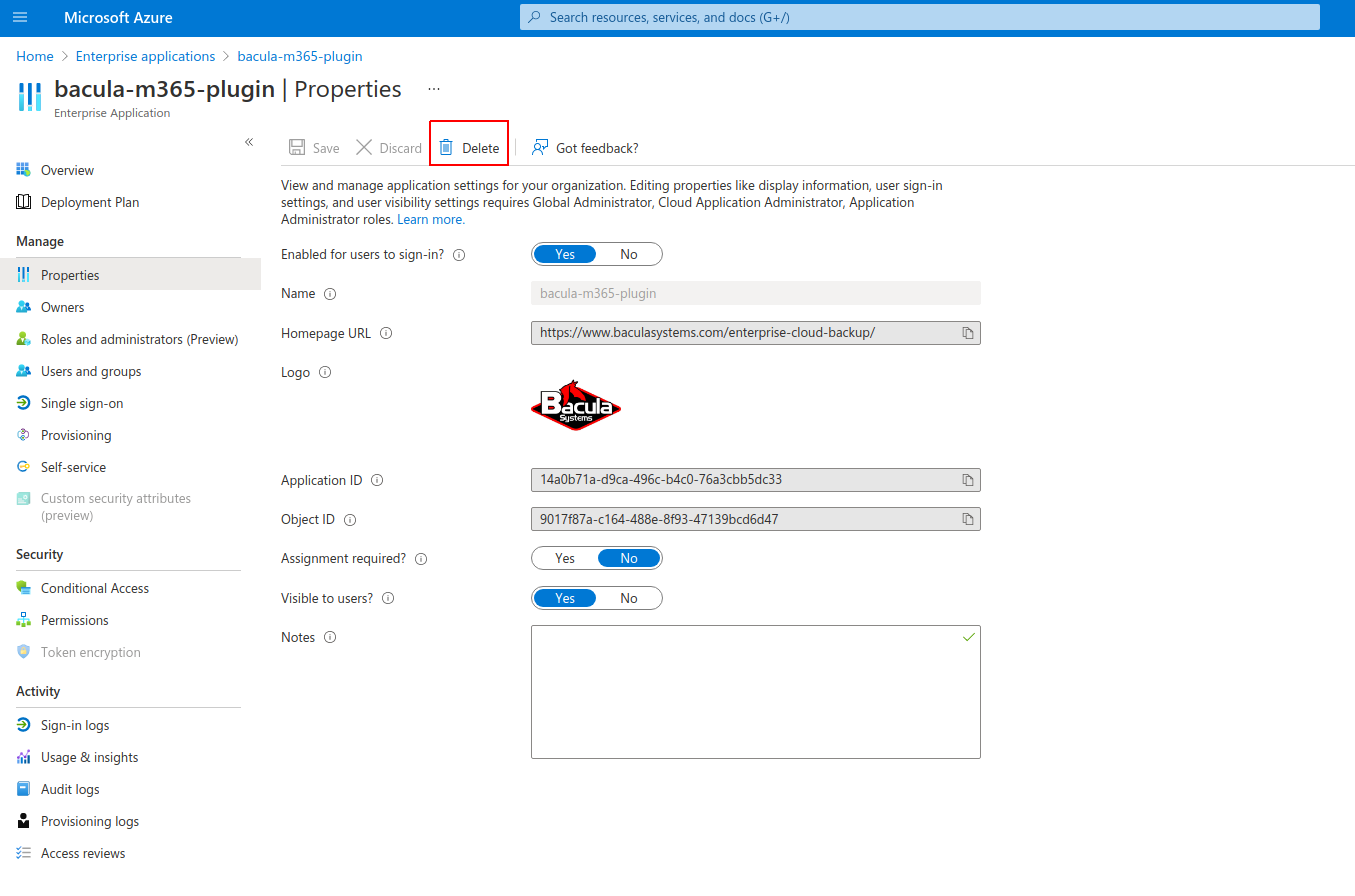
From there, please go to ‘Enterprise applications’ and locate bacula-m365-plugin app. You need to select the application and enter into ‘Properties’ section. From there, you need to click on the ‘Delete’ button:
Migration - Step 2: Perform Authentication Method B
Once you have removed the common application, you simply need to follow all the steps explained in this document for authentication method B. In case you are using BWeb and you have already registered your tenant, it is recommended to remove it first, and then add it again using method B. Otherwise, for manual configuration, simply follow the steps mentioned in this document.
Migration - Step 3: Update your filesets
Once you have your new app in your tenant, you need to update all your filesets and: - Replace objectid with the new value associated to your app in your tenant - Add appid and secret associated to your app in your tenant
See also
Previous articles:
Go back to: Authorization.